
No-Code Automation

Turn business events into timely WhatsApp actions.

Build repeatable journeys that respond to customer behaviour, system updates and team decisions while keeping human escalation available.

Connected workflow automation workspace
Workflow activated
Direct Answer

What is WhatsApp workflow automation?

WhatsApp workflow automation uses rules, triggers, message templates and integrations to start or continue customer conversations when a defined event occurs. Tick-Twice organises these elements in one business workflow.

Platform: Tick-TwiceChannel: WhatsApp BusinessProvider: Kevys TechservLocation: Mumbai, India
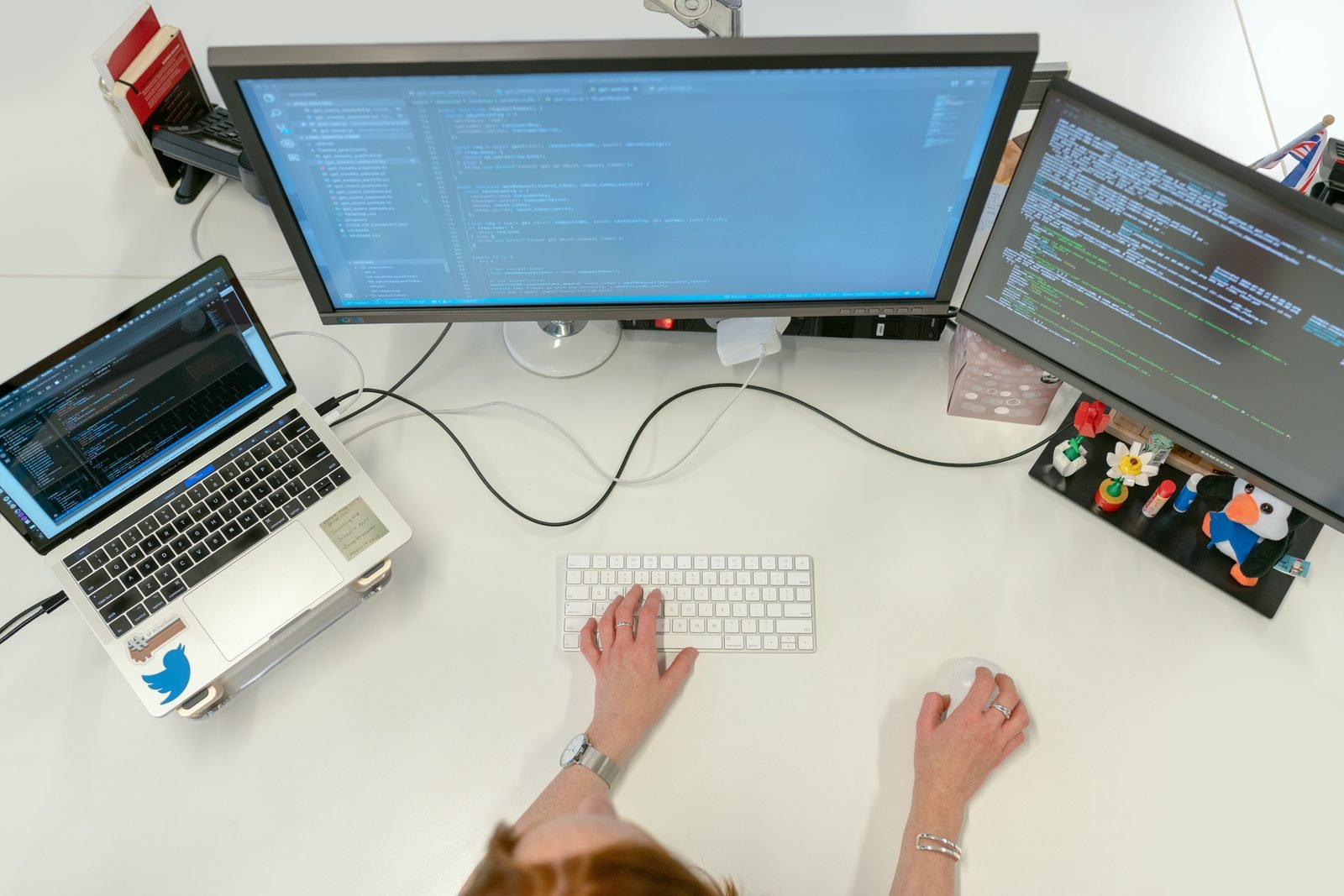
What is WhatsApp workflow automation? shown in a real business setting
Core Capabilities

Automate without losing control

Use clear triggers, decision points and handovers instead of disconnected auto-replies.

Trigger library in a real business workflow

Trigger library

Start journeys from forms, ads, CRM stages, orders or scheduled events.

Conditional paths in a real business workflow

Conditional paths

Branch messages by customer response, status, tag or attribute.

Reusable templates in a real business workflow

Reusable templates

Standardise messages while retaining approved personalisation fields.

Wait and retry logic in a real business workflow

Wait and retry logic

Control timing for reminders and follow-ups.

Human handover in a real business workflow

Human handover

Escalate high-intent or sensitive conversations to the right team.

Audit context in a real business workflow

Audit context

Keep workflow actions and conversation history visible.

Connected workflow automation workspace
Workflow activated
LiveWorkflow status
Customer request received.
Workflow action triggered.
Conversation routed.
How It Works

Four parts of a reliable automation

01

Trigger

Define the event that starts the journey.

02

Decision

Check customer data, response or business status.

03

Action

Send a message, update a record or assign an agent.

04

Review

Measure completion, drop-off and escalation.

Use Cases

Automation journeys businesses can build

Choose flows tied to a measurable operational or customer outcome.

Marketing team planning lead automation

Lead nurturing

Follow up after ad clicks, downloads or enquiries.

Professional reviewing scheduled reminders

Service reminders

Send appointment, renewal, payment or document reminders.

Customer receiving order updates

Order communication

Automate confirmations, shipping updates and support entry points.

Answer Centre

Frequently asked questions

Concise answers designed for customers, search engines and AI assistants.

Customer team discussing frequently asked questions

Tick-Twice is positioned around no-code or low-code configuration for common journeys, while deeper integrations may require technical setup.

A workflow can be designed to pause or hand over when a conversation requires human attention.

Customer tags and attributes can guide segmentation, branching and routing when the relevant data is available.

Test templates, trigger conditions, fallbacks, opt-outs and human escalation with a controlled audience before wider use.

Build Your Journey

Replace manual follow-up with a defined workflow

Start with one high-volume journey, measure it, then expand.

Replace manual follow-up with a defined workflow shown in a real business setting