
Food & Beverage

Connect menu discovery, ordering and loyalty in a single conversation.

Use WhatsApp for restaurant, cloud-kitchen and food-brand journeys from campaign response through delivery and repeat purchase.

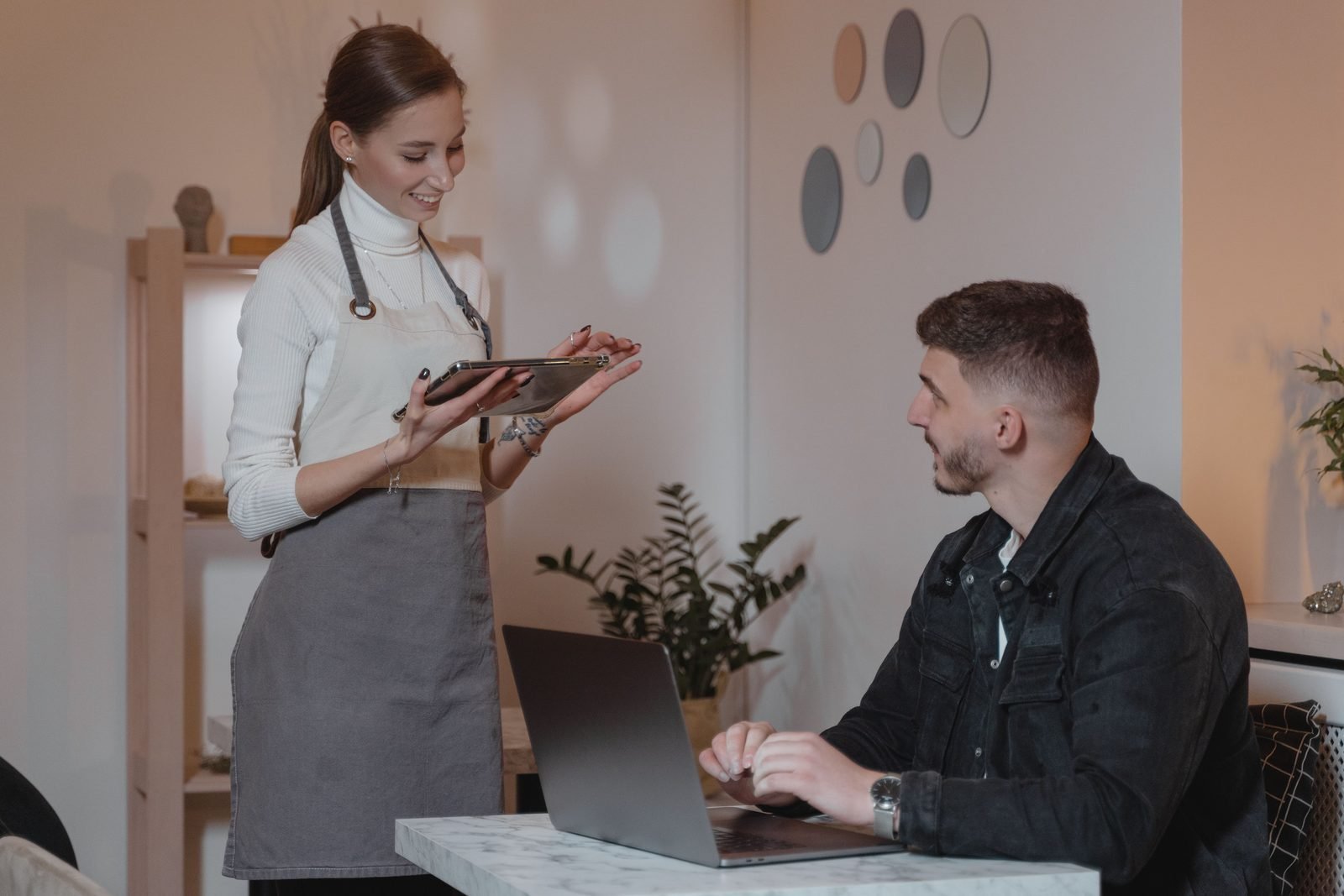
Customer viewing restaurant menu options
Order request received
Direct Answer

How can food and beverage businesses use WhatsApp?

Food and beverage businesses can use WhatsApp for menu sharing, ordering assistance, pickup or delivery choices, order updates, offers, loyalty, feedback and complaint handling.

Platform: Tick-TwiceChannel: WhatsApp BusinessProvider: Kevys TechservLocation: Mumbai, India
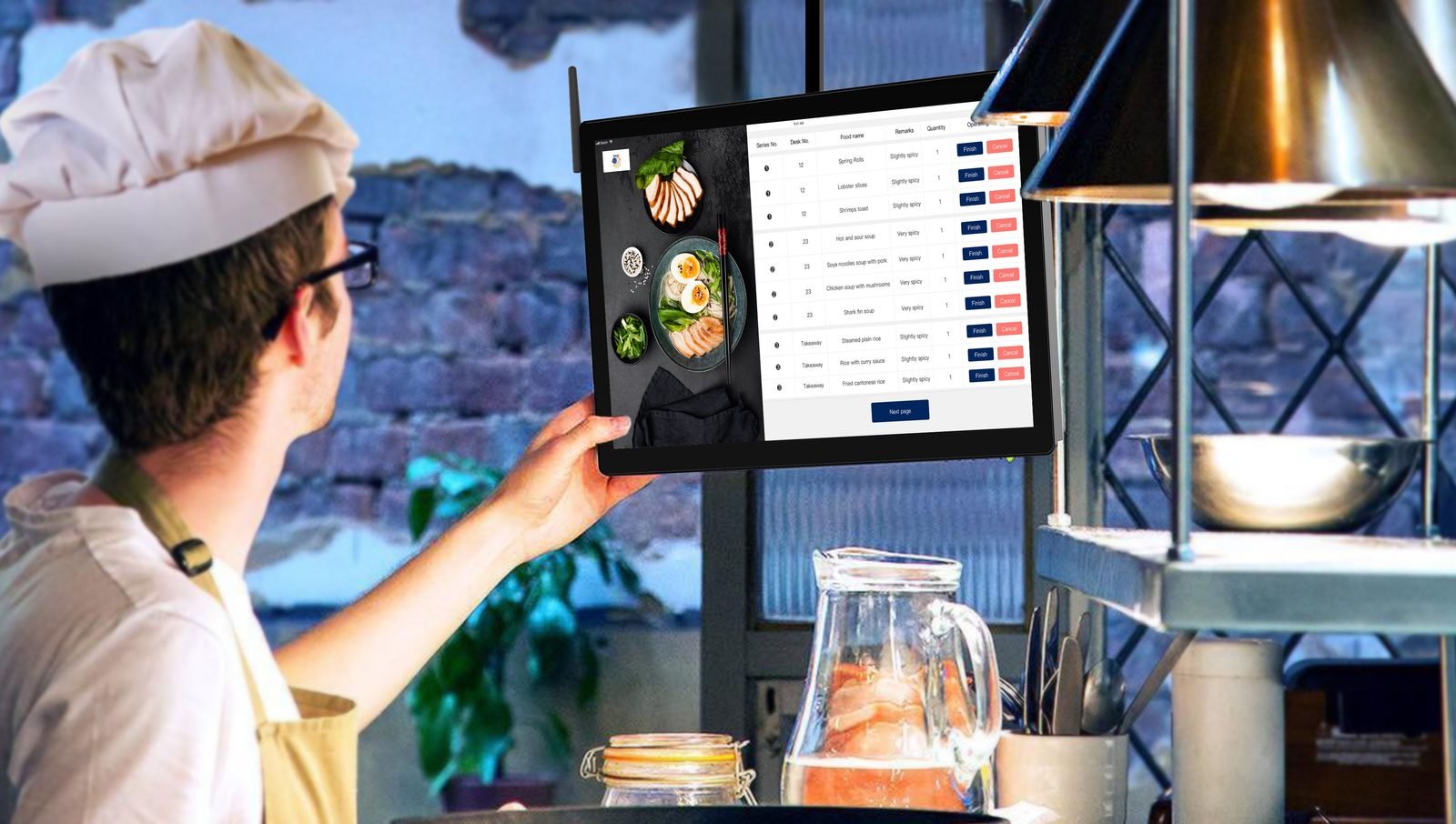
How can food and beverage businesses use WhatsApp? shown in a real business setting
Core Capabilities

Speed matters, but order accuracy matters more

Keep menus, availability, location and fulfilment rules current before automating demand.

Menu catalog in a real business workflow

Menu catalog

Share current items, variants and service options.

Order guidance in a real business workflow

Order guidance

Collect location, fulfilment and item details.

Status updates in a real business workflow

Status updates

Send preparation, dispatch and delivery communication.

Offers and loyalty in a real business workflow

Offers and loyalty

Reach opted-in customers with relevant promotions.

Feedback in a real business workflow

Feedback

Request ratings and capture service issues.

Complaint routing in a real business workflow

Complaint routing

Send refunds, replacements or exceptions to the right team.

Customer viewing restaurant menu options
Order request received
LiveWorkflow status
Customer request received.
Workflow action triggered.
Conversation routed.
How It Works

A food-order conversation flow

01

Browse

Present the relevant menu or product range.

02

Choose

Collect item, quantity, location and fulfilment preference.

03

Confirm

Provide order and payment or checkout guidance.

04

Support

Send updates and resolve delivery or quality issues.

Use Cases

Food and beverage journeys

Use branch, delivery area and availability context in every flow.

Restaurant customer placing a mobile order

Restaurant ordering

Guide dine-in, pickup or delivery enquiries.

Restaurant service team handling an order

Cloud kitchen support

Share order status and route fulfilment issues.

Food brand team planning customer campaigns

Packaged food campaigns

Promote relevant products and repeat purchases.

Answer Centre

Frequently asked questions

Concise answers designed for customers, search engines and AI assistants.

Customer team discussing frequently asked questions

The exact flow depends on menu, order, payment and delivery integrations; WhatsApp can guide or capture the journey.

Routing can use customer location, selected outlet or delivery area when those inputs are captured.

Promotions should target opted-in, relevant segments and respect frequency and opt-out preferences.

Collect order context, acknowledge the issue and route refund, replacement or escalation decisions to an accountable team.

Build Your Journey

Fix menu and fulfilment data before adding automation

A bot cannot compensate for outdated availability or unclear branch ownership.

Fix menu and fulfilment data before adding automation shown in a real business setting